Travel Scam & Digital Safety Checklist for Safer Trips
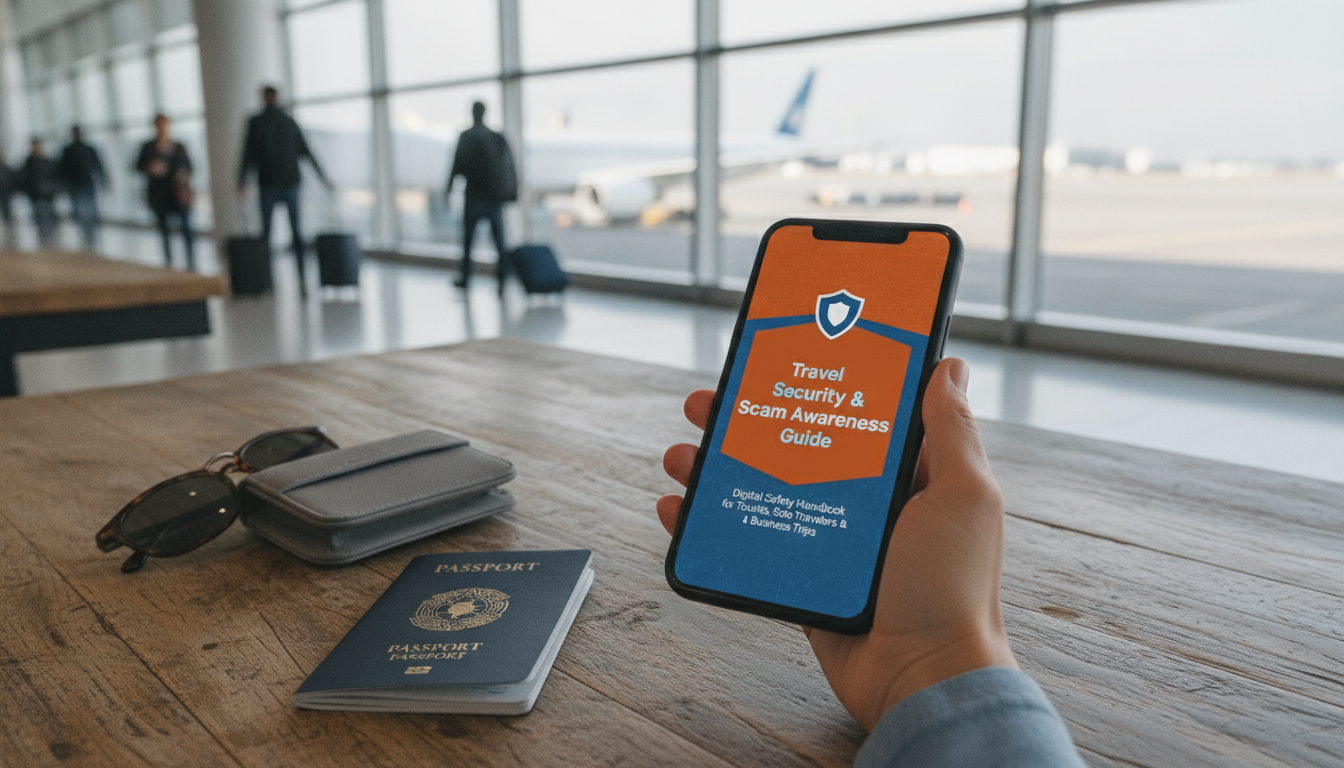
Travel Security & Scam Awareness Guide: Digital Safety Handbook for Tourists, Solo Travelers & Business Trips
Travel plans can unravel quickly when devices, accounts, money, or identity are targeted. This guide organizes the most common travel scams and digital risks into practical steps to prepare before departure, stay alert in transit, and respond fast if something goes wrong—especially for solo travelers and work trips where time and access matter.
What travel scams look like today (and why they work)
Modern travel scams thrive in high-pressure moments: rushed check-ins, crowded terminals, language barriers, and unfamiliar payment norms. When you’re juggling luggage, notifications, and a tight schedule, it’s easier to click, tap, or agree without verifying.
Many threats are now blended—street distractions paired with digital tricks. A “helpful” stranger might steer you toward a QR code that leads to a cloned booking page, or a fake Wi‑Fi portal that asks you to “confirm” email credentials. Criminals also lean on trust signals: uniforms, badges, official-looking texts, and convincing social media replies.
Solo travelers and business travelers are frequent targets because routines are predictable (airport–hotel–meeting loops), luggage is visible, and device access is critical. If someone can separate you from your phone—or your phone number—they can often reach the rest of your accounts.
Pre-trip security setup (30–60 minutes that prevents days of damage)
Harden key accounts first
Enable multi-factor authentication for email, banking, and travel apps, and store backup codes offline (not in your email inbox). Your email account is the master key to password resets—protect it like a passport.
Clean up and lock down devices
Update your operating system and apps, uninstall unused apps, and enable a strong screen lock. Confirm automatic encryption is turned on (most modern phones do this by default once a passcode is set). If you use biometrics, keep the passcode as the real “root” protection.
Test “find my device” and record identifiers
Confirm remote lock/wipe is enabled and that you can access the service from another device. Record device identifiers (IMEI/serial) on paper and keep them separate from your wallet—useful for carrier reports and insurance claims.
Plan payments like a backup system
Bring at least two payment methods, set travel notices where required, and consider lowering card limits for the trip. If your bank offers virtual cards, use them for online bookings and one-time payments to reduce exposure.
Protect documents without overcomplicating
Keep a printed emergency sheet (passport number, insurer, bank numbers) separate from your wallet, and store encrypted copies of critical documents in a secure vault app. Avoid leaving photos of passports loose in your camera roll.
Work trip essentials
Transit hotspots: airports, stations, rideshares, and hotel lobbies
Recognize common pickpocket patterns
Protect baggage and essentials
Use rideshares with verification habits
Make hotel arrival less predictable
Digital threats on the road: Wi‑Fi, QR codes, SIM swaps, and ‘support’ scams
Public Wi‑Fi: treat it as untrusted
Captive portals and credential traps
QR code safety
SIM and number hijacking
Fake support impersonation
Common scam scenarios and fast counter-moves
| Scenario | Typical red flags | Safer response |
|---|---|---|
| Public Wi‑Fi login page asks for email/password | Requests credentials unrelated to access; odd domain | Disconnect, use hotspot, log in only via official app |
| Taxi/rideshare changes route or price mid-trip | No meter, vague fees, aggressive pressure | End ride in a safe public spot; use in-app reporting and official taxis |
| ATM offers ‘help’ from a bystander | Crowding, distractions, touching the keypad | Cancel transaction, leave, use another ATM in a monitored area |
| Booking message asks to pay via wire/crypto | Off-platform payment; urgency | Pay only through the platform or verified official channels |
| ‘Official’ calls about suspicious card activity abroad | Asks for OTP codes or full credentials | Hang up and call the number on the back of the card |
ATM and card traps
Authority checks and document pressure
Accommodation bait-and-switch
Solo traveler routines that reduce risk without reducing freedom
Business trip considerations: protecting work data and access
If something happens: a 15-minute response plan
Tools that pair well with a security-first travel plan
If you want a structured, travel-ready checklist you can reuse, the Travel Security & Scam Awareness Guide | Digital Safety Handbook for Tourists, Solo Travelers & Business Trips is designed for quick setup and fast decision-making on the road.
For carry that keeps essentials close in busy terminals, consider the Stylish Women’s Crossbody Sling Bag with Adjustable Strap or the Waterproof One Shoulder Crossbody Chest Bag.
Trusted references for travel and cyber guidance
- U.S. Department of State — Travelers
- UK National Cyber Security Centre — Guidance on staying secure online
- Europol — Advice on fraud and scams
FAQ
Is it safe to use public Wi‑Fi while traveling?
It can be acceptable for low-risk browsing, but avoid banking, password changes, and account admin tasks on public Wi‑Fi. Use your mobile hotspot when possible, and if you must use Wi‑Fi, use a trusted VPN and be skeptical of captive portals that request credentials or payment details.
What should be done first if a phone is stolen abroad?
Start by remote-locking (or wiping) the device and suspending service with your carrier to prevent SIM-based abuse. Then change your primary email password first, revoke active sessions, and follow by securing banking and travel accounts while you document the incident for disputes and insurance.
How can travelers spot fake booking or airline support messages?
Common signs include off-platform payment requests (wire, gift cards, crypto), urgent threats, mismatched domains, and requests for one-time passcodes. Verify by contacting support through the official app or the company’s official website rather than replying to messages or DMs.












Leave a comment